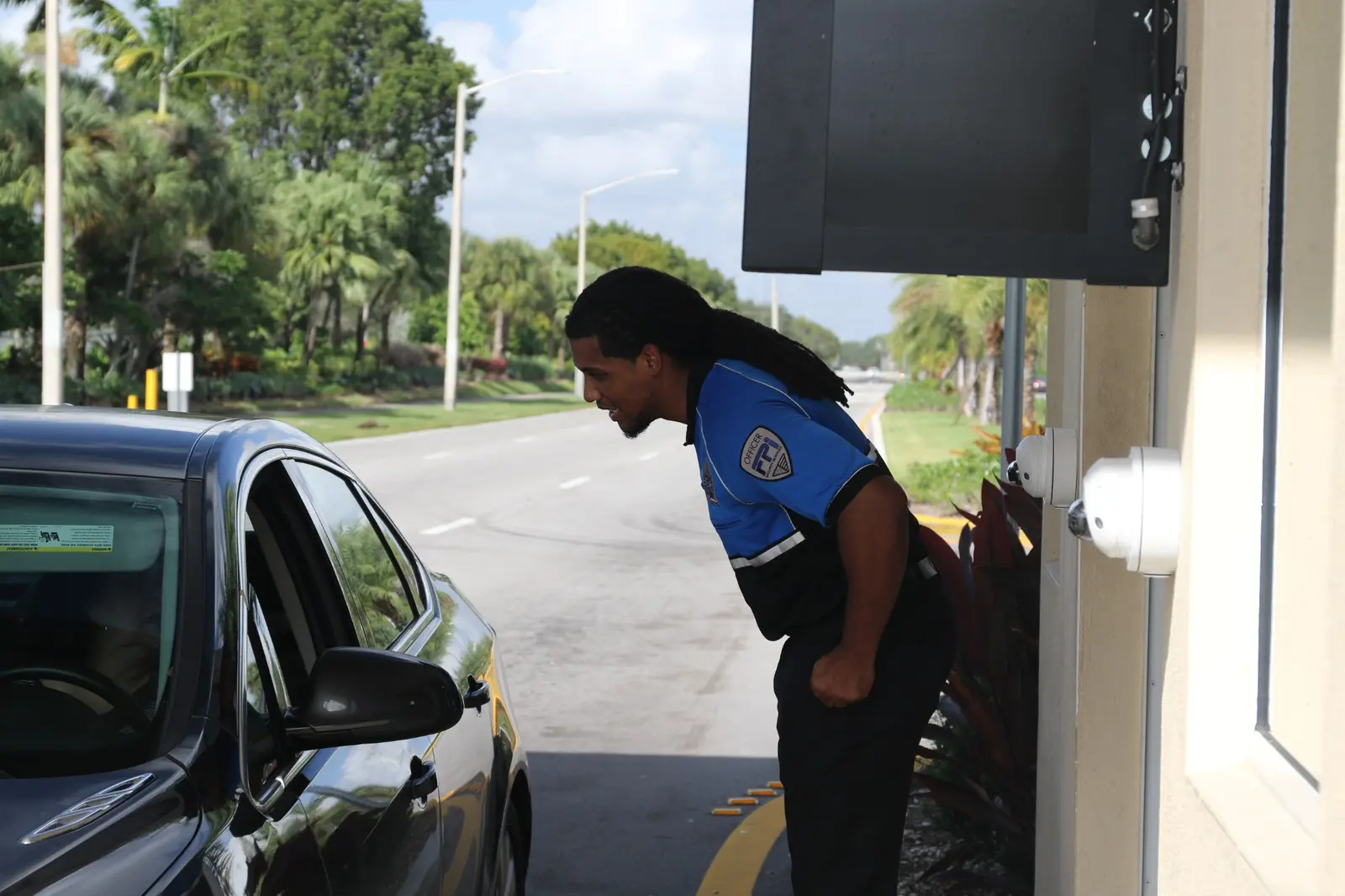
FPI delivers end-to-end access control solutions — from single-door installations to enterprise-wide systems — across every market we serve, anchored by our South Florida headquarters and Dallas–Fort Worth operations.
Certified installation is not a formality: it determines warranty validity, building-code compliance, and whether the system performs reliably under daily load. FPI's licensed technicians install to manufacturer specification and local code in every state where we operate. Licensing documentation is available on request.
FPI is technology-agnostic: the right system architecture depends on your infrastructure, compliance requirements, and how your team manages access — not on FPI's preferred vendor. We design cloud, on-premise, and hybrid deployments and recommend what fits, not what's easiest to sell.
Most commercial security breaches don't start with a forced entry — they start with a credential that was never deactivated.
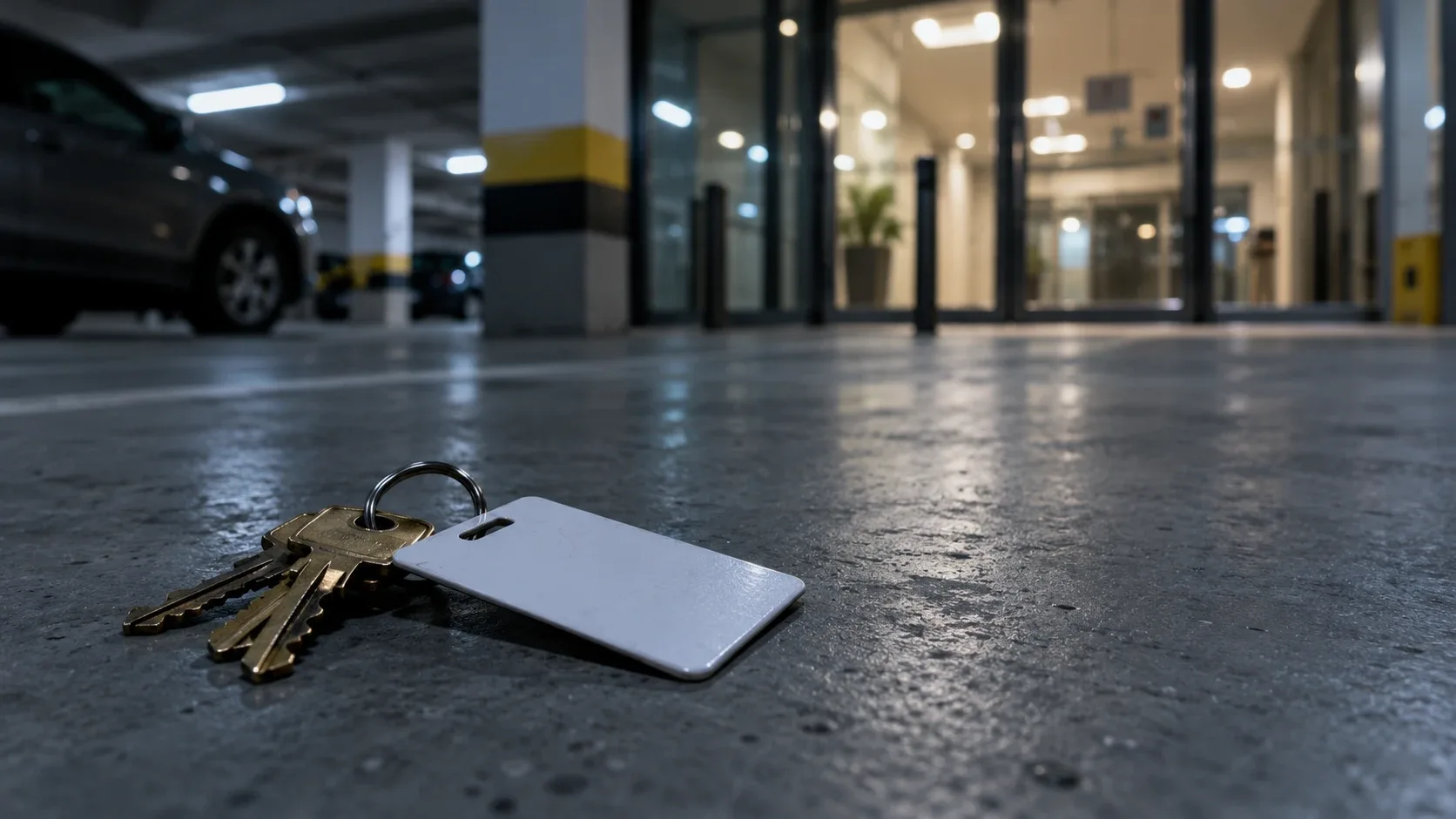
Lost or unrevoked credentials create unauthorized access vulnerabilities — a former employee's keycard can open your building indefinitely if credentials aren't managed in real time. Every card that left with someone who no longer works for you is an active key to your facility, and legacy systems give you no way to know how many are still out there.
Legacy badge access control systems lack remote management, meaningful audit logs, and integration with modern surveillance. When a breach is traced to an outdated badge reader that couldn't be monitored or audited, the system itself becomes part of your liability exposure.
Modern access control technology logs every entry and exit event. Without that log, you have both a security gap — no way to reconstruct who was where — and a compliance risk: HIPAA (healthcare privacy law), GDPR (European data protection regulation), and SOC 2 audits all expect documented access records for sensitive areas.
Visitors with no logged entry and no temporary credential are an unaccounted-for presence in your building — a liability exposure that concentrates in healthcare, data centers, and multi-tenant buildings. Paper sign-in sheets don't verify identity, don't restrict where a visitor can go, and don't stand up in an audit. Visitor management closes this gap — covered in depth below.
A commercial access control system is a security infrastructure that restricts, monitors, and logs entry to physical spaces — replacing locks and keys with programmable credentials managed from a central platform. Access control systems restrict entry to authorized personnel only — and record every attempt.
Five layers work together in every modern system. Readers and credentials sit at the door, where each access event begins. Controllers and panels apply the rules that grant or deny entry. Management software gives administrators one place to run users, zones, and schedules. Electronic locks execute the decision physically. And integrations connect the whole system to cameras, alarms, and visitor logs.
The chain is simple: the credential (card or badge) is presented to the reader, the reader passes it to the controller, and the controller checks programmed rules before releasing the lock. Keycard systems manage employee access across multiple zones — one card, different permissions per door, all set centrally.
Fingerprint, facial recognition, and iris scanning eliminate credential-sharing and lost-card risks — the credential is the person. Biometric systems prevent unauthorized entry in sensitive areas, which is why they anchor access control in healthcare restricted zones and data centers.
Mobile access control replaces physical keycards with smartphone credentials, using BLE (Bluetooth Low Energy) or NFC (near-field communication) to authenticate the phone at the reader. Credentials are provisioned and revoked remotely — no card printers, no pickup, no collection when someone leaves.
Cloud-based access control allows remote permission management from any device — plus multi-site dashboards and automatic updates. On-premise systems keep data on your hardware with no internet dependency, at the cost of local IT overhead. Hybrid deployments split the difference. The full decision guide is below.
FPI integrates access control with existing security infrastructure, so an access event triggers a camera pull at the same door — a denied badge swipe at 2 AM arrives as an alert with footage attached. Paired with remote video monitoring, the access log and the video record become one system.
FPI installs and supports the full spectrum of commercial access control technologies — from legacy keycard upgrades to enterprise biometric and mobile systems.
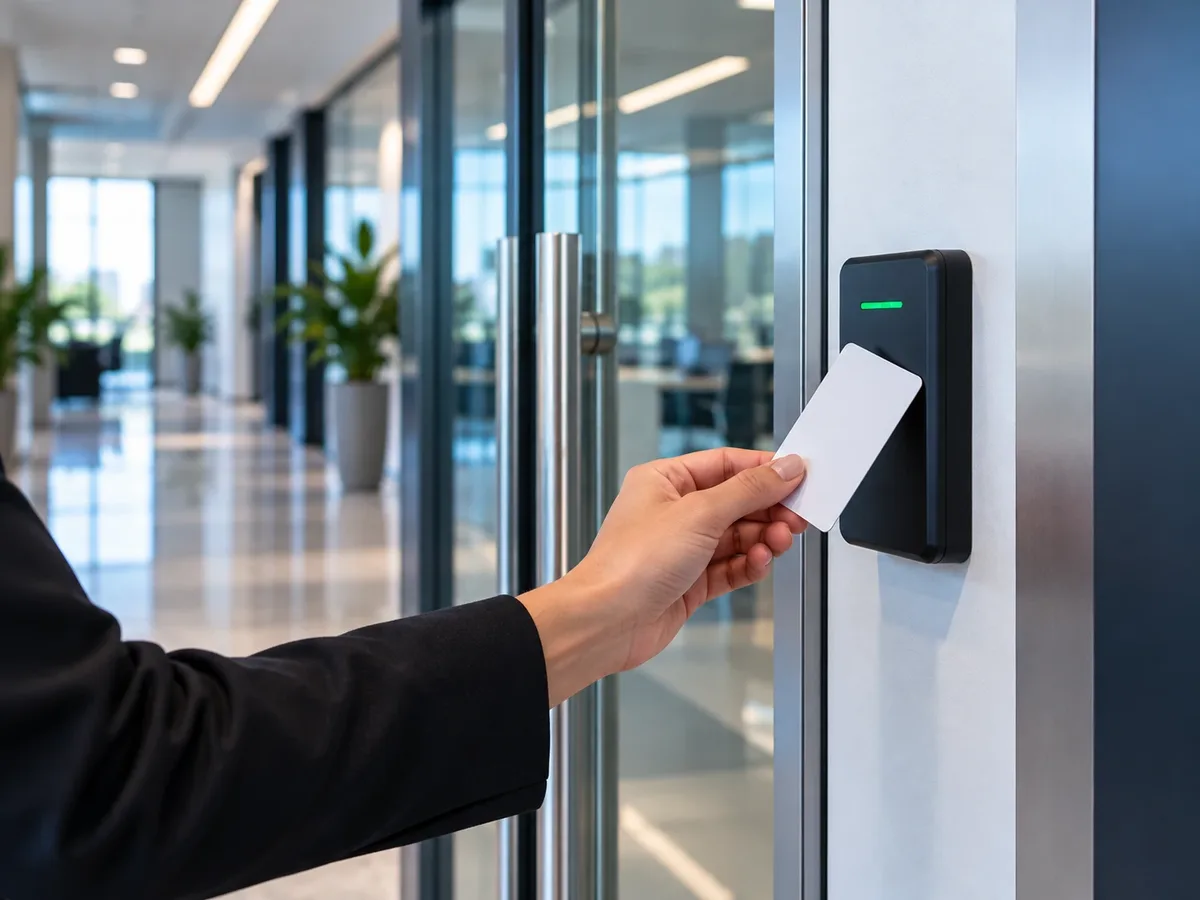
The most widely deployed technology, and still the workhorse of commercial access. FPI installs proximity, smart card, and RFID credential systems with zone-based management — and because revocation is instant, a lost card is a deactivation, not a rekeying project.
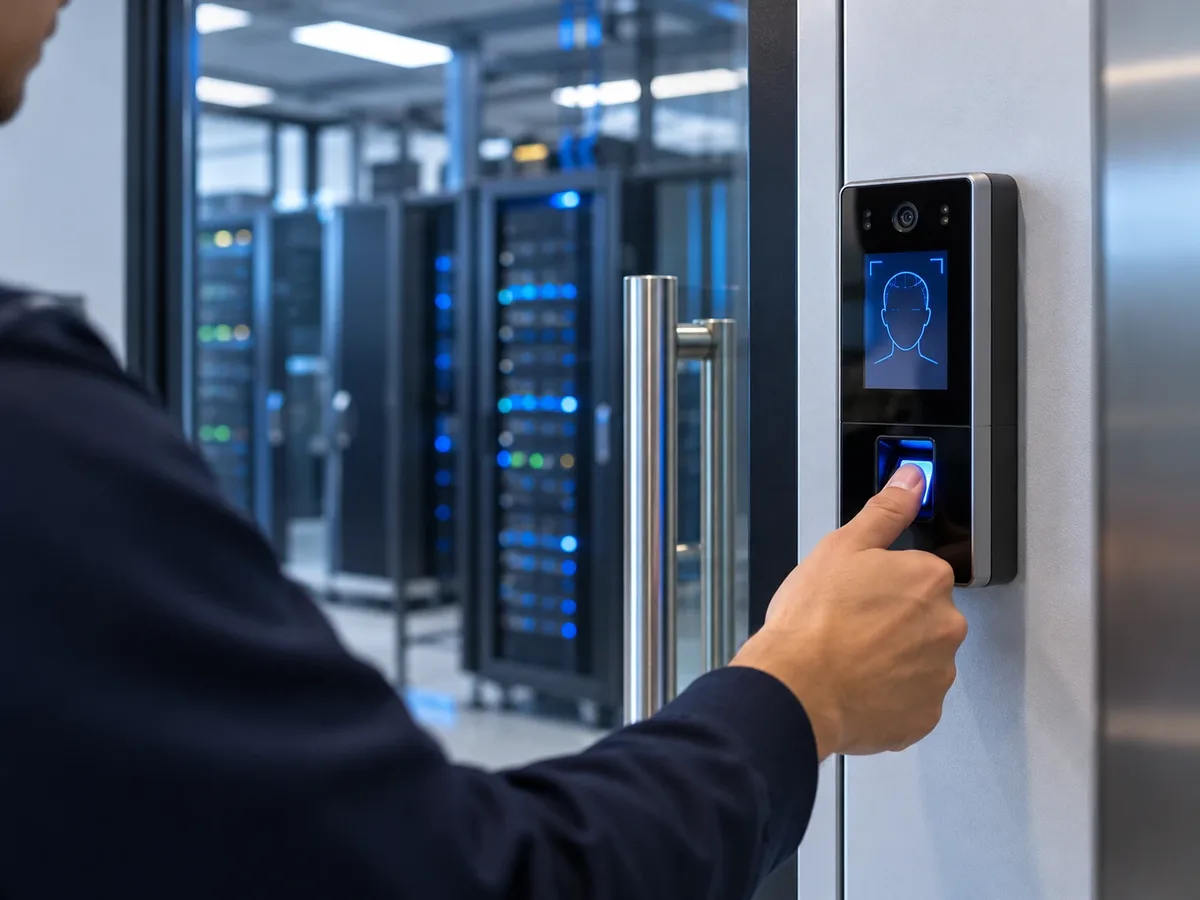
The highest security tier: no credential to lose, share, or clone. FPI deploys biometric access control for server rooms, pharmaceutical storage, executive floors, and healthcare restricted areas — anywhere "who exactly entered" cannot be an open question.
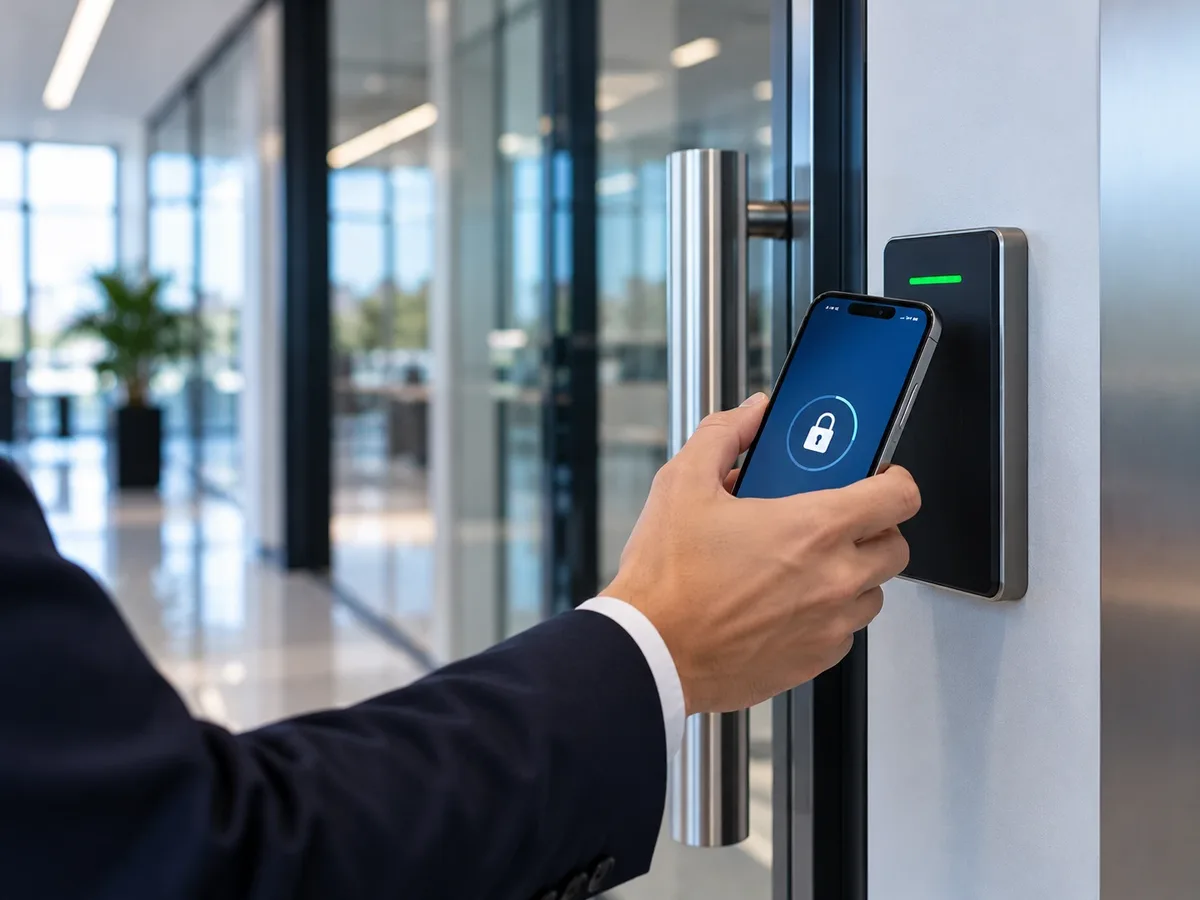
BLE- and NFC-based access via smartphone. IT departments provision or revoke credentials remotely without any physical interaction — onboarding happens before the new hire reaches the lobby, and offboarding happens the moment HR clicks the button.
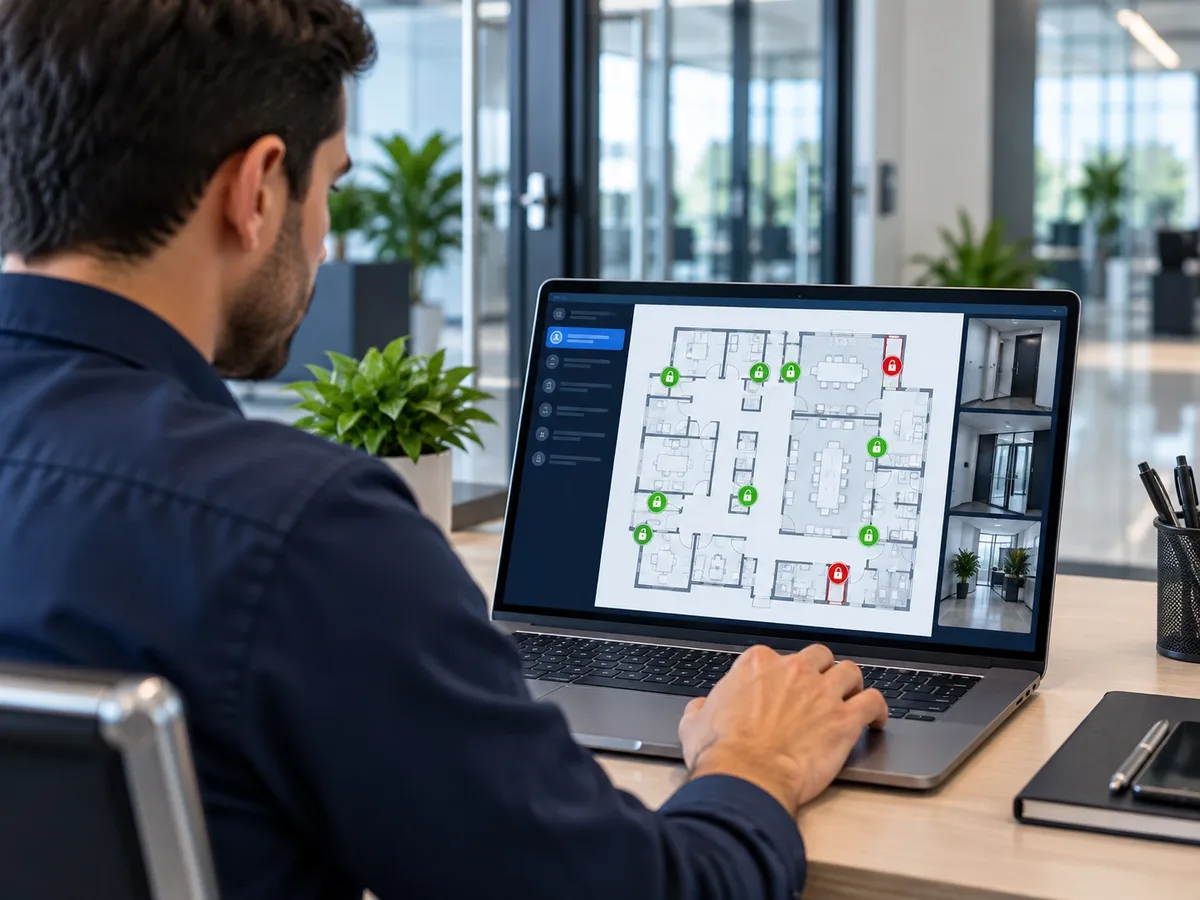
A single dashboard manages permissions across multiple sites, floors, or buildings — ideal for commercial real estate portfolios, retail chains, and distributed enterprises where access decisions happen at headquarters but doors are everywhere.
A complete access control system is more than a reader at a door — it is a layered architecture of hardware, software, and integrations.
The entry point of every access event. Reader types span proximity, smart card, biometric, and mobile — and credential formats range from cards and fobs to fingerprints and phones. FPI matches reader type to each door's traffic and security level.
The decision-making layer: controllers receive reader input and apply programmed rules to grant or deny access in milliseconds. They can live on-premise or be cloud-hosted — a key architecture choice FPI works through during system design.
The administrative layer: manage users, zones, schedules, and audit logs from a single dashboard, with mobile app access and multi-site management for portfolio operators. This is where a thousand doors become one screen.
Electric strikes, magnetic locks, and wireless lock options execute the controller's decision. Fail-safe locks release on power loss (life-safety egress); fail-secure locks stay locked. Choosing correctly per door is a code-compliance requirement, not a preference.
Access events can trigger camera pulls, alarm alerts, and visitor log entries — the integration layer that turns a standalone door reader into a full security ecosystem, connected to live monitoring when you want humans watching the events that matter.
FPI manages every phase of access control deployment — from site assessment through installation, integration, and ongoing credential management. FPI installs access control systems for secured facilities in every state we serve.

The workflow: vulnerability assessment → system design → hardware procurement → installation → testing → staff training. Every phase is FPI's responsibility, so the system that goes live matches the system that was designed — and your team knows how to run it on day one.
FPI designs access control systems for office buildings across our markets — multi-floor zoning, tenant isolation, and shared-space access scheduling that keeps the loading dock, the gym, and the ninth floor on different rules without three separate systems.
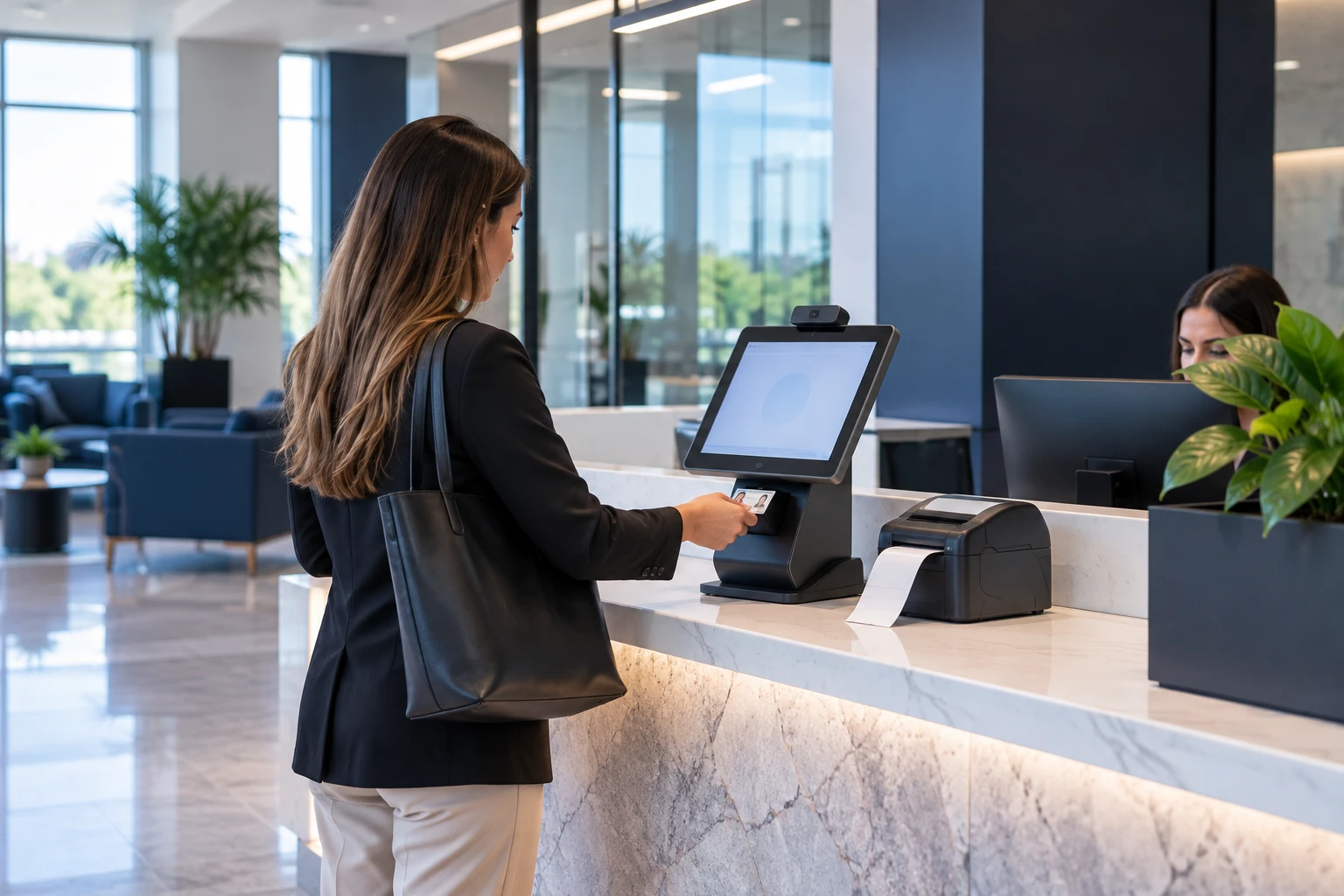
Visitor management systems issue temporary credentials and log every entry. FPI configures digital check-in, ID verification, badge printing, and host notification — replacing the paper sign-in sheet with a system that actually knows who is in the building.
Many commercial buildings run 10–15-year-old keycard systems with no audit trail and no remote management. FPI migrates legacy infrastructure to modern platforms — reusing compatible wiring and hardware where possible, so the upgrade costs less than a rip-and-replace.
Moving from on-premise to cloud is a managed process: data migration, credential transfer, user training, and ongoing remote management. FPI runs the migration and stays on as the managing partner afterward.
FPI manages ongoing credential updates and remote access support across all our markets: access level changes, system health monitoring, firmware updates, and remote troubleshooting — covered under FPI maintenance plans.
FPI integrates access control with existing security infrastructure: an access event pulls the camera at that door, and an unauthorized attempt raises an alert — with remote video monitoring adding a live operator to verify what the system flagged.
FPI deploys access control systems across the highest-complexity commercial environments in every market we serve — each with a distinct access challenge.
Multi-tenant buildings require zone isolation: employees access only their floors, visitors are logged at reception, and after-hours access runs on schedules. One system, per-tenant rules, centrally managed.
HIPAA — the federal law protecting patient health information — requires documented access logs for areas containing protected records. FPI deploys biometric access for medication storage, restricted labs, and record rooms, with audit trails built for the compliance officer, not just the security desk.
A true multi-credential environment: staff keycards, student mobile credentials, and visitor temporary badges on one platform — with emergency lockdown integration that secures every controlled door at once.
Shift-based access scheduling admits each crew only during its hours; restricted zone isolation protects hazmat storage and high-value inventory; loading dock control logs every entry on the property's most exposed side.
A cloud platform manages credentials across all locations from one dashboard: store managers control their own site, corporate controls the portfolio, and a terminated regional employee loses access to every store at once.
The strongest option: biometric plus PIN plus time-based access — multi-factor authentication at the door. Biometric systems keep entry to the people who are actually authorized, and the full audit trail feeds SOC 2 and compliance reporting directly.
Tenant mobile credentials, visitor intercom integration, delivery access scheduling, and common area control — with the documentation that matters to the board: properties with documented, active security programs see 16% fewer property crimes, and Florida businesses without adequate security pay 30–40% higher insurance premiums (TechPro Security, 2025).
Most commercial access control systems manage employees — they leave visitor access as an afterthought. Visitor management closes that gap by issuing temporary credentials and logging every entry.
A visitor management system replaces paper sign-in logs with digital check-in, ID verification, temporary credential issuance, and real-time visitor tracking. It matters because the paper log answers none of the questions that count: who is this person, where are they allowed, and are they still in the building?
When a visitor checks in digitally, the system automatically generates a temporary badge credential — valid only for designated areas and only for the duration of the visit. The visitor badge runs on the same access control rails as employee badges, with an expiration built in.
The workflow: visitor arrives → kiosk or host-initiated check-in → ID scanned and verified → host notified automatically → temporary badge credential issued → every subsequent access event logged. Reception stops being a bottleneck and starts being a checkpoint.
Visitor logs are time-stamped, searchable, and exportable — exactly what HIPAA audits, SOC 2 assessments, and insurance documentation requests ask for. When the auditor asks who accessed the records room in March, the answer is an export, not a filing cabinet.
In an emergency, the visitor management system produces an instant list of everyone on-site — employees and visitors alike — for evacuation accountability. When the building empties, you know exactly who should be at the muster point. That is a life-safety differentiator, not a convenience feature.
Most access control providers sell hardware — FPI installs, integrates, and manages the entire system under one accountability umbrella.
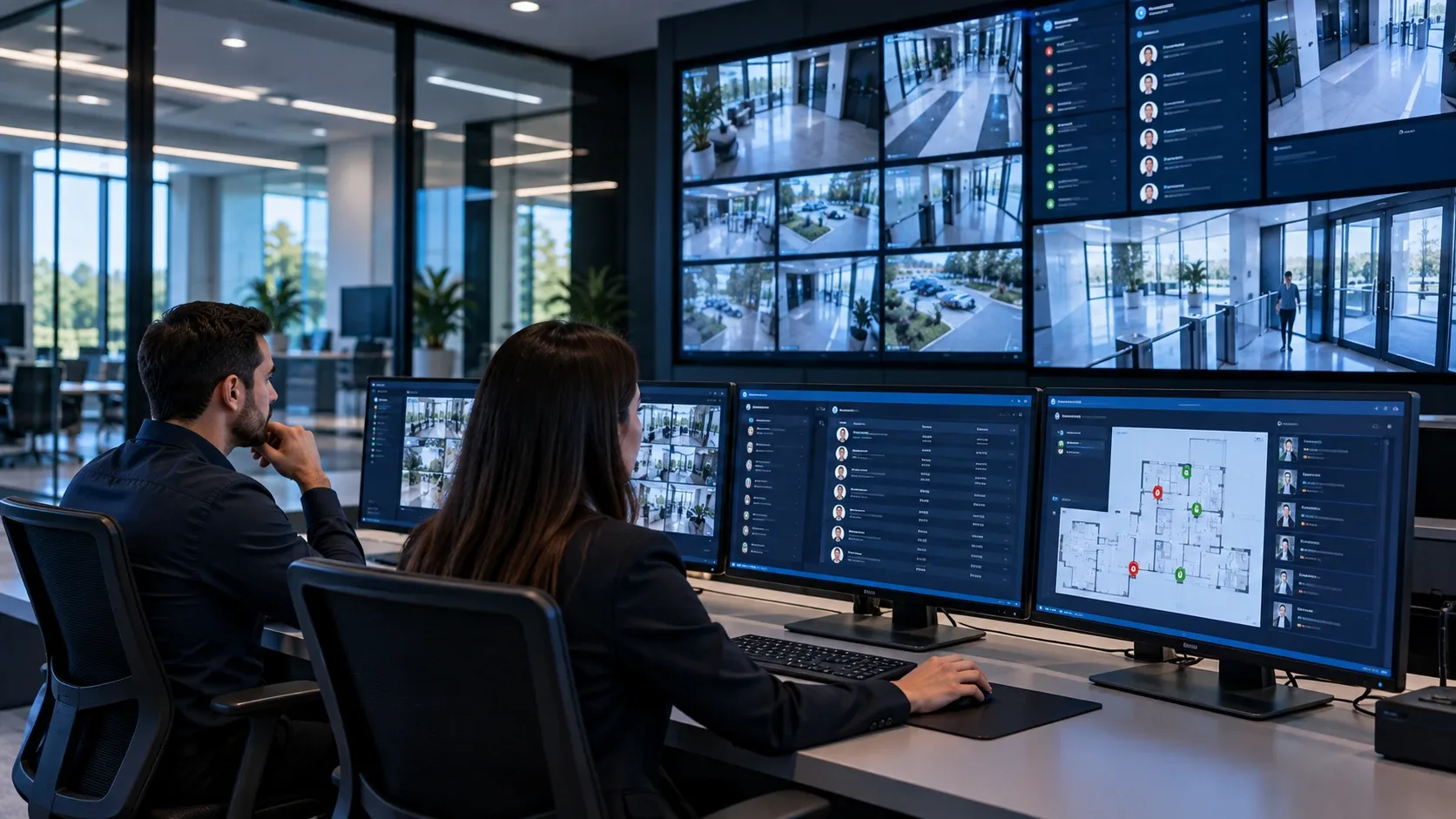
No handoff between vendors: FPI handles assessment, installation, surveillance integration, visitor system setup, and ongoing management. One point of contact, one service agreement — and one party responsible when something needs attention.
FPI is not locked to one manufacturer. We recommend the right hardware for each client's infrastructure, budget, and compliance requirements — because the best system for your building is rarely the one a single-brand dealer happens to carry.
The same platform that manages a 3-door office scales to a 50-building portfolio. Credentials, zones, and reporting grow with the business — no forklift upgrade when you open the next location.
Permissions change from any device, without a site visit. When HR offboards an employee, their credentials can be revoked immediately from any device. The gap between "no longer employed" and "no longer has access" drops to seconds.
FPI does not deploy proprietary hardware that traps clients. You retain ownership of your system and your data — if you ever change providers, the system stays and keeps working. We keep clients by performing, not by locking the door behind them.
The right access control system depends on your property type, number of users, compliance requirements, and budget — not on what's easiest to install.
Cloud: remote management from any device, automatic updates, and multi-site dashboards — at the cost of internet dependency and a subscription. On-premise: full data control and no internet requirement — at the cost of local IT burden and manual updates. Hybrid keeps decisions local while adding cloud visibility. Most multi-site operators land on cloud; most single-site, compliance-heavy facilities weigh hybrid.
Keycard: affordable, scalable, familiar to users — but cards get lost and shared. Biometric: the strongest option, with no credential to lose — at a higher upfront cost per door. In practice, most buildings mix them: keycards for general circulation, biometric for the rooms where certainty matters.
Start with main entries, stairwells, server rooms, restricted zones, and visitor-facing reception. Over-controlling creates daily friction for staff; under-controlling creates the gaps incidents find. The right count comes from a walk-through, not a formula.
The checklist: a complete audit trail, remote credential management, a multi-site dashboard, visitor management integration, alarm and camera integration, and compliance reporting you can export. Software missing any of these will be the reason you replace the system early.
Cost varies by the number of access points, credential type (card vs. biometric vs. mobile), software tier, cloud vs. on-premise architecture, visitor management add-ons, and integration complexity. FPI provides a line-item proposal after a free consultation — priced from your building, not from a package sheet.
Avoid systems tied to a single manufacturer's roadmap. Choose platforms with open API integrations and modular credential expansion — so the system you buy for this building still fits when you have five.
Tell us about your building and how your team manages access today — FPI will assess your needs and design a system around them. A consultation, not a sales call.